Run our QuickStart
1. Download and configure Docker Desktop (4.39.0+)
In Docker Desktop click the cog icon , then resources. We recommend at minimum setting your CPU limit to
 8, memory to 8GB, swap to 4GB, with 64GB of virtual disk space available. If you have Docker already installed ensure it is up to date.2. Clone the QuickStart Repository
git clone -b quickstart https://github.com/overture-stack/prelude.git && cd prelude
3. Run the Docker Compose
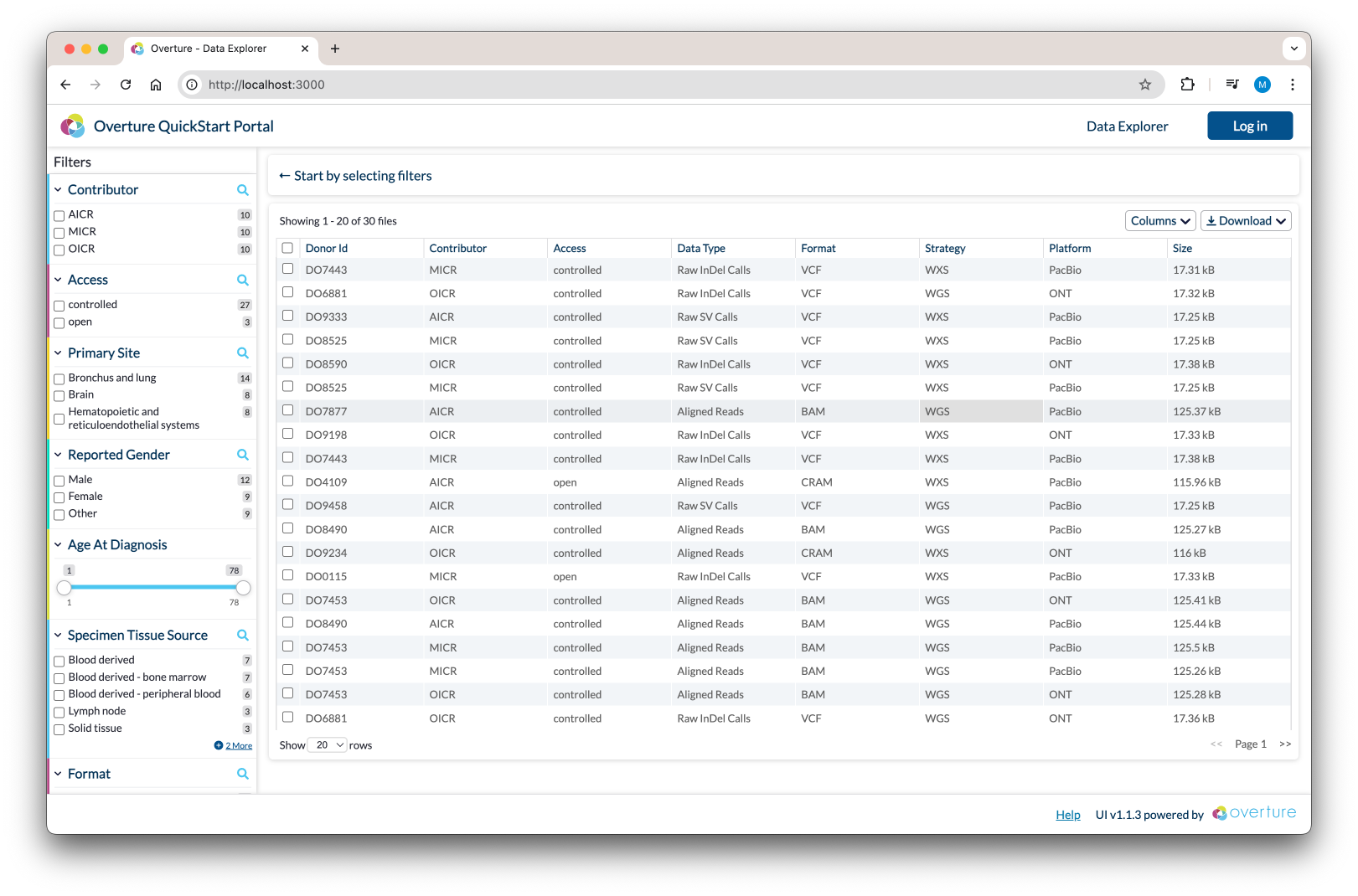
For Unix/macOS run:For Windows run:Your portal will now be accessible from your:
make platform
./make.bat platform
localhost:3000Explore Our Resources
Guides and documentation to get you started using our platform
Four Ways In
Our documentation is organized by what you are trying to do. Each section below is a starting point on docs.overture.bio.
- Deploy: stand up an Overture platform, component by component, from authorization through to the data portal.
- Use: submit and retrieve data, and administer a running platform.
- Develop: reference for each component, including configuration and the API reference.
- Community: support, contributing, licensing, and how to cite Overture.
 Help us make our docs better
If you can't find what you are looking for, please let us know using our ideas discussion forum.
Connect with Our Community
Join us in contributing software tools that accelerate scientific discovery.
Get help, share knowledge, and stay current.

